Anipart
Visualize your product.
Understand every part of it.
Anipart turns your product data into an interactive digital twin for spare parts, service and training.
One product. Three ways
to make aftermarket easier.
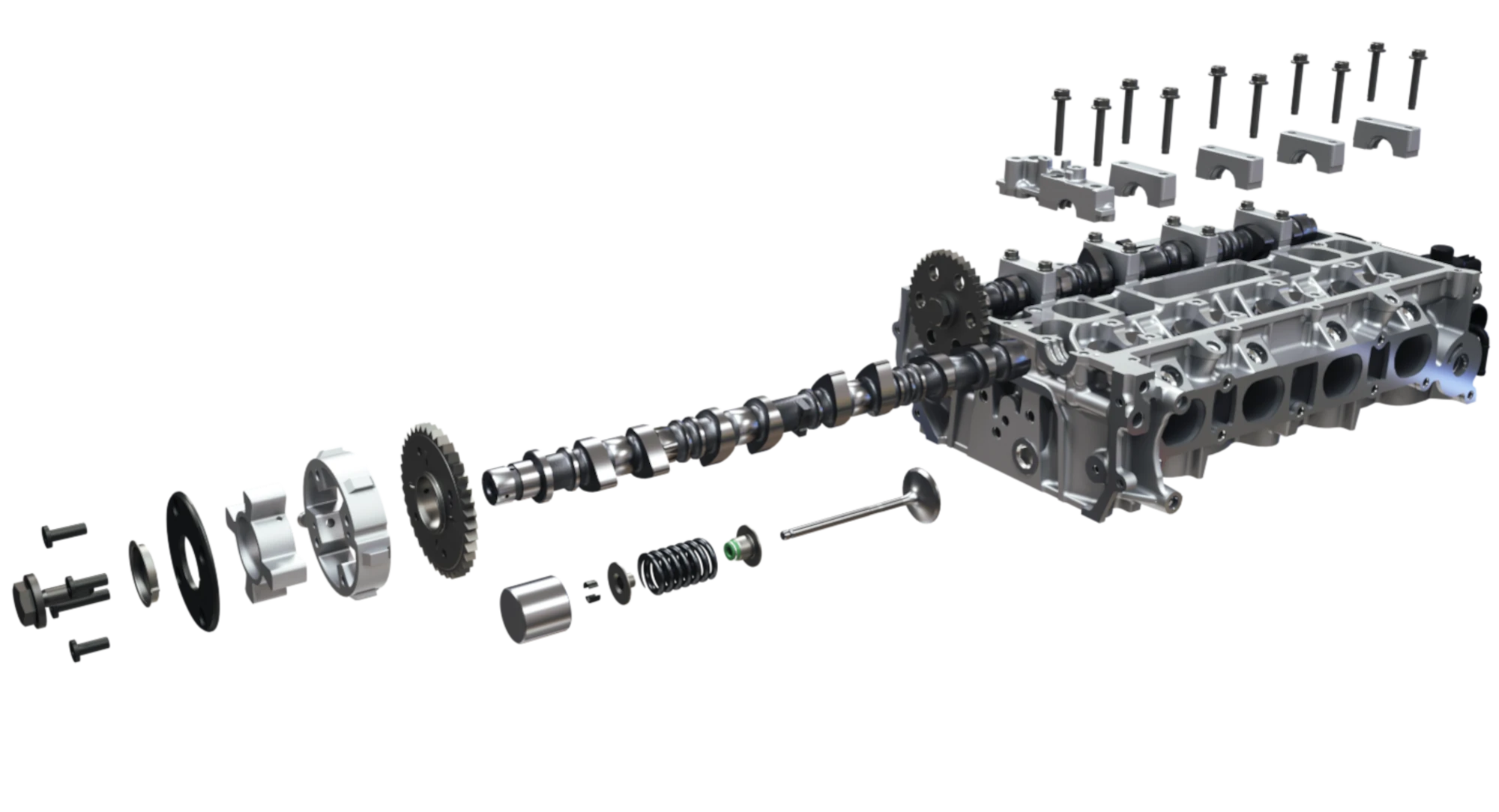
Spare parts
Identify the right component visually.
See where the part belongs and access the information connected to it.
Spare partsService
Understand the task before you start.
Connect procedures, animations and instructions directly to the product.
ServiceTraining
Learn by exploring the product.
Use the same visual product knowledge for training and preparation.
Training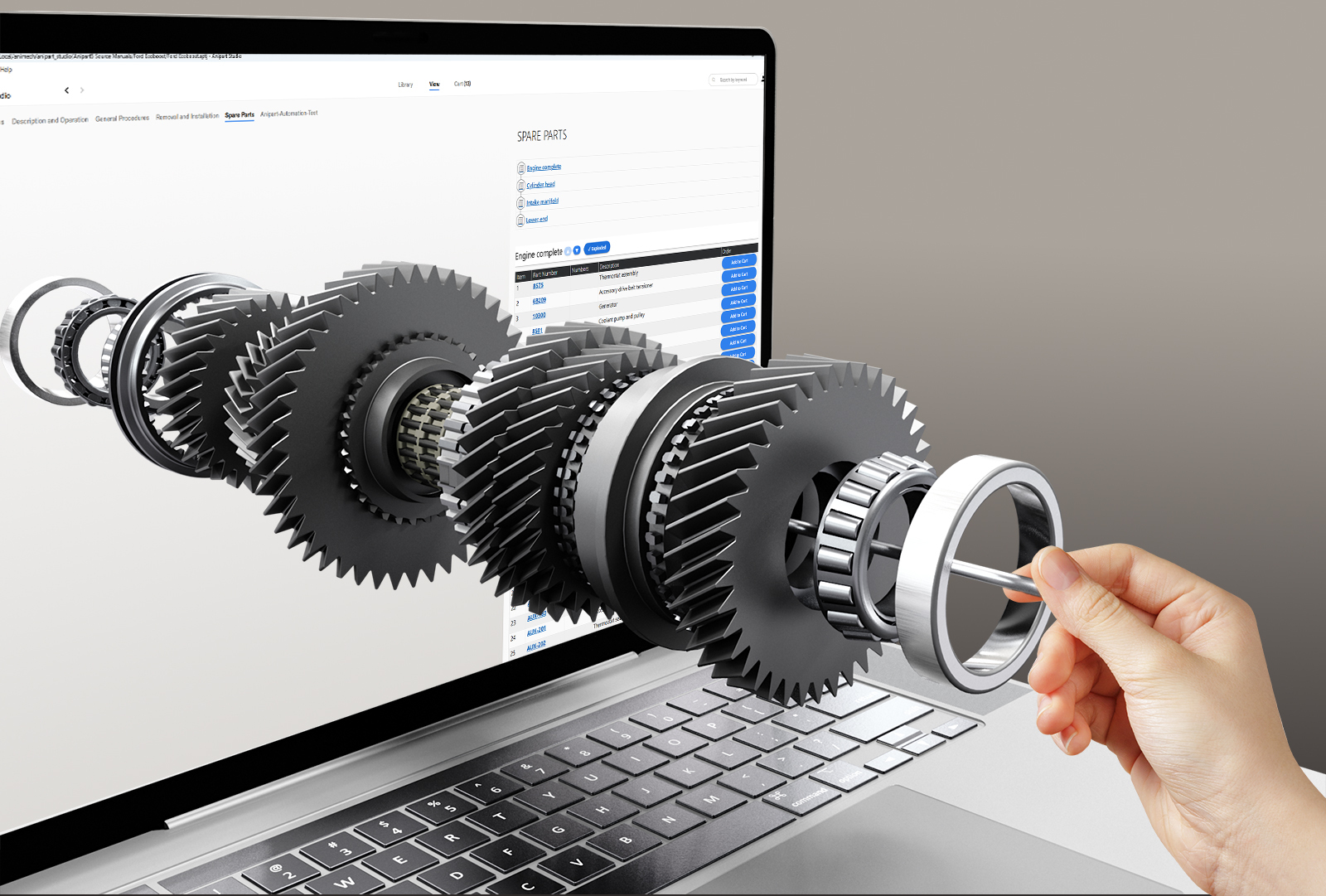
The principleThe product is
The product is
the starting point.
Forget the part number for a moment.
Navigate the machine. Open the assembly. Select the component. Continue from there.
Anipart keeps the product visible, making complex information easier to understand and use.
Try Anipart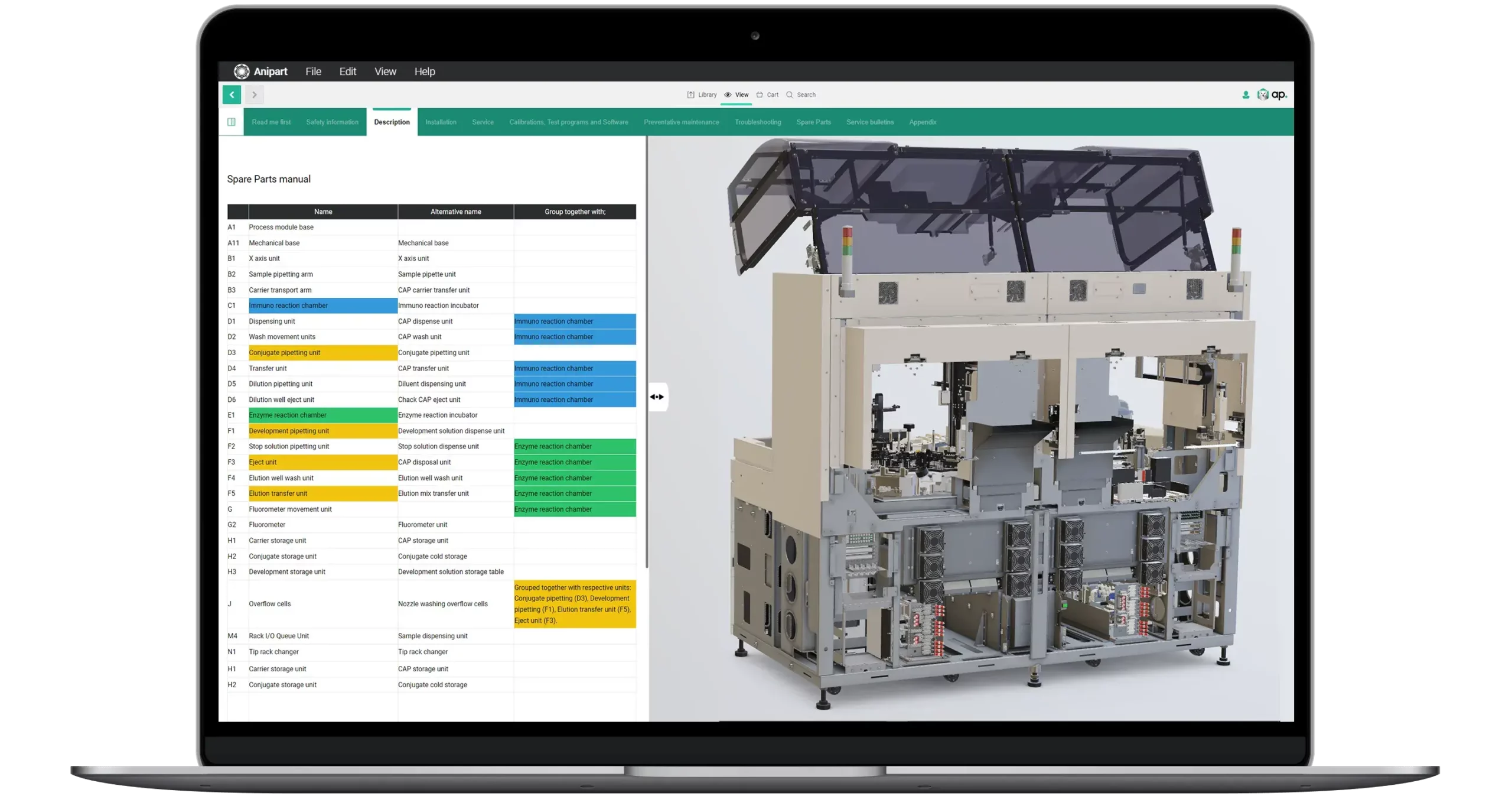
Spare parts
Find the right part without knowing what it is called.
Identify components visually and see the spare part information in context.
Configuration to aftermarket
Aftermarket should know what was actually sold.
Connect the delivered product to its original configuration and show the parts and information relevant to that specific machine.
Explore configured products- 01Configure
- 02Order
- 03Delivered product
- 04Spare parts
Service
See how the job is done.
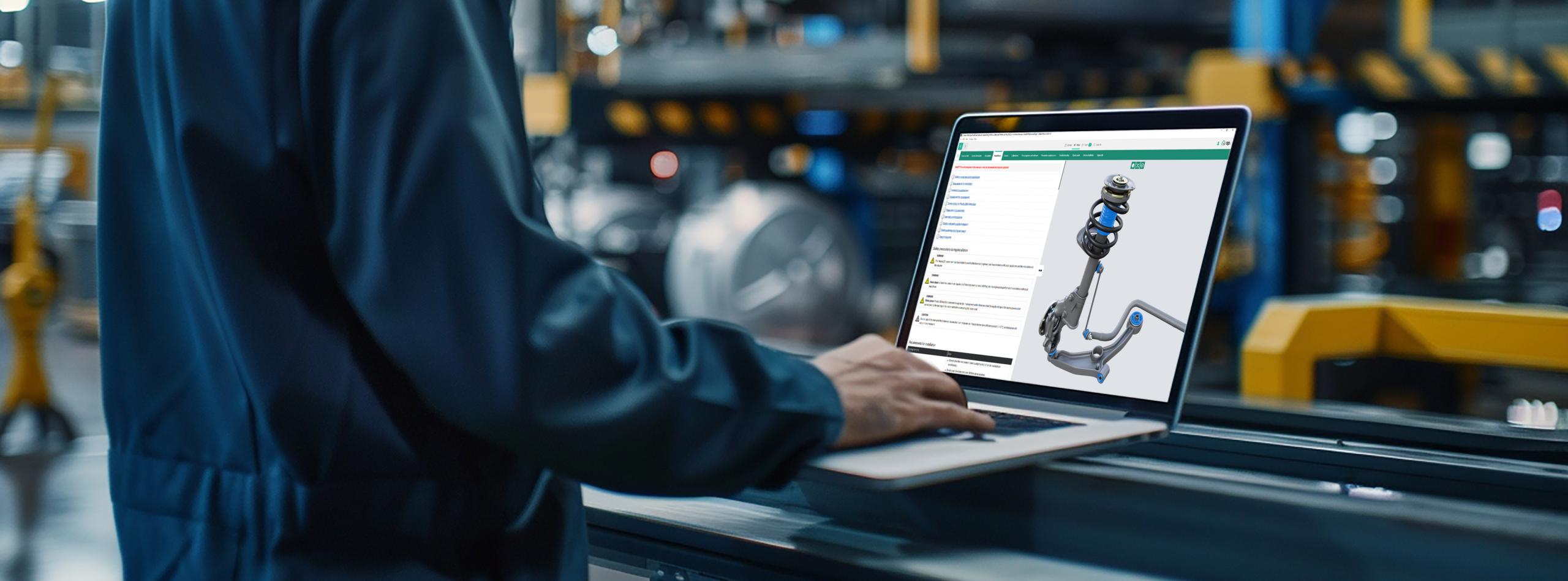
Connect service procedures directly to the product, using interactive 3D, animation and supporting information to make each step easier to understand.
Explore service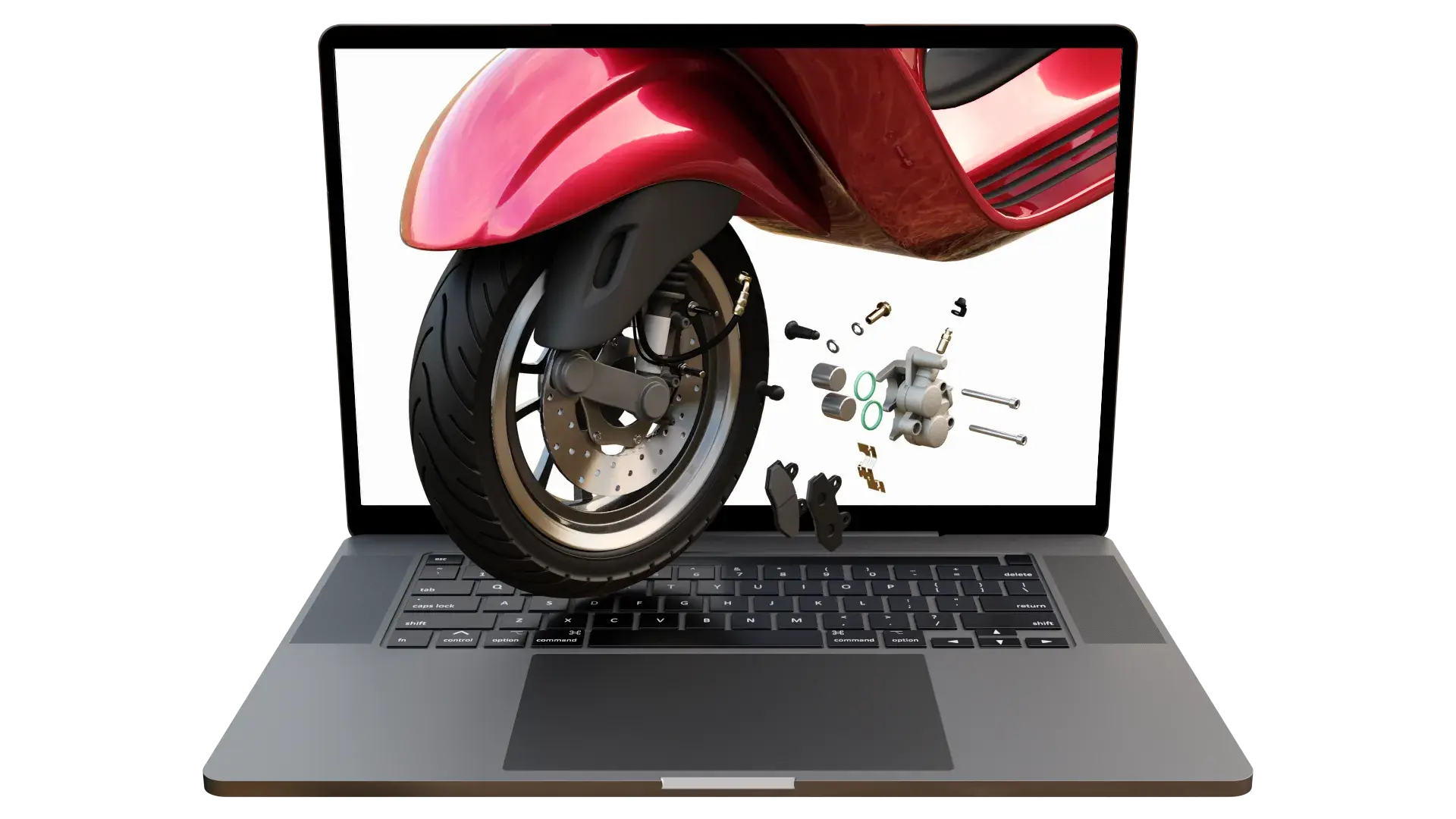
From engineering data to aftermarketYou already have much
You already have much
of what Anipart needs.
CAD and product data form the foundation.
Anipart uses the product geometry and imported data to automatically create structure, connect information to components and generate exploded views.
See how it worksCAD
Product data
Anipart
StructureConnected dataExploded views
Training
Learn the product before standing next to it.
Explore systems, components and procedures digitally, even when the physical product is unavailable.
PlatformFrom product data to
From product data to
the people who need it.
Anipart in short
One visual platform for spare parts, service and training.
Anipart is an interactive 3D digital twin of your product, built from the CAD and product data you already have. Customers, dealers and technicians use it in the browser or in XR to identify spare parts visually, to find the right parts for configured products, to follow service instructions step by step and to learn the product with 3D product training before it is even built.
Exploded views, part numbers and procedures are created from CAD to aftermarket, and every update is published once and reaches every user. Everything runs directly in the browser, using WebGL, with no plug-ins or streaming from remote servers, on phones, tablets and computers.
You decide where to start: with spare parts, with service or with training. Read how Anipart works in Studio, Dashboard and the Client, or try Anipart in the browser. Anipart is developed by Animech, a Swedish company that has built real-time 3D in the browser since 2000.
Right to RepairMake repair information
Make repair information
easier to find and use.
Anipart helps manufacturers make existing repair information and spare parts easier for customers and service organisations to understand and access.
Right to Repair →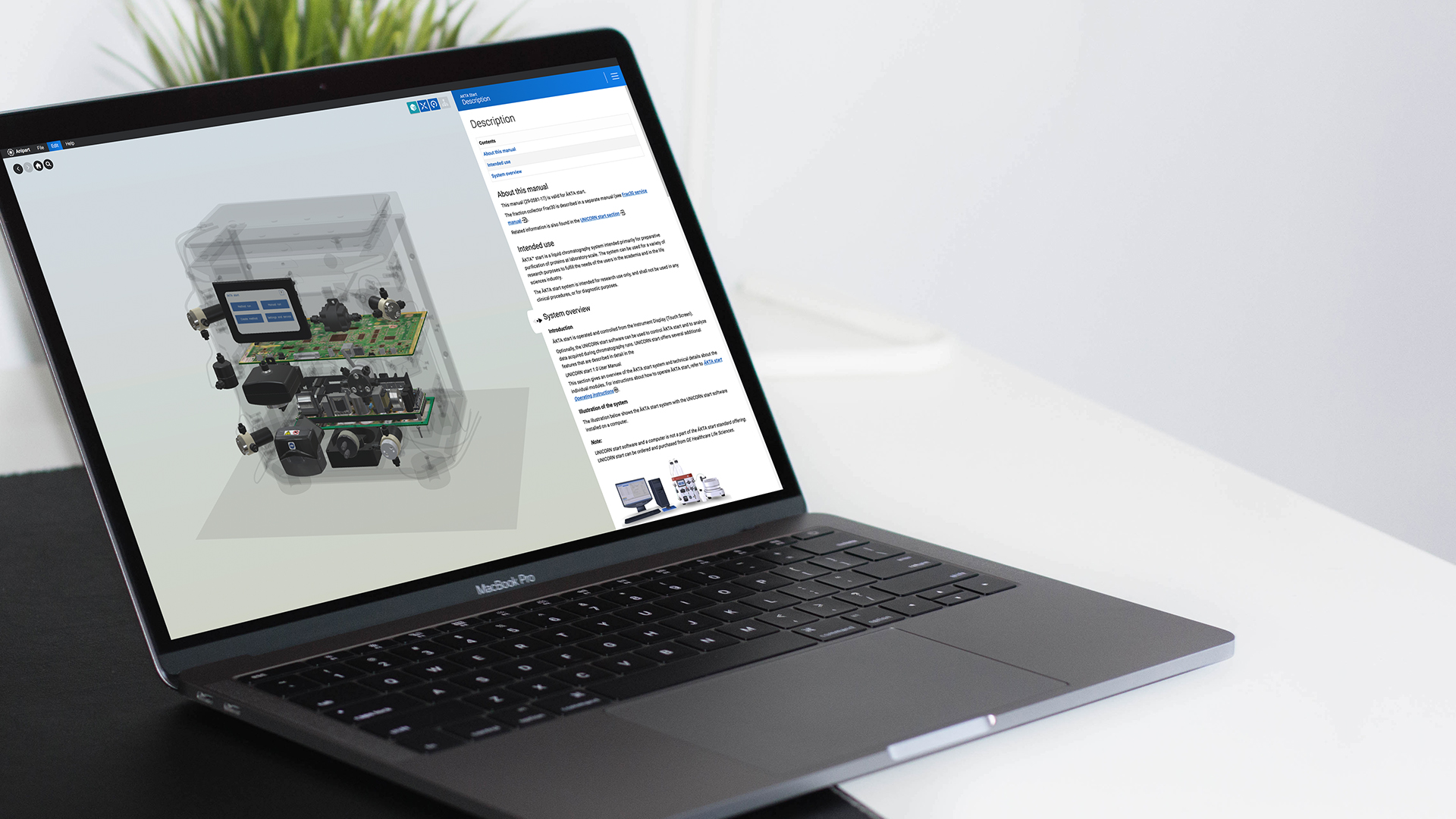
Cytiva
“Our technicians can train even before the product has been manufactured.”
Stefan Eriksson, Service Specialist, Cytiva
See what your aftermarket
could look like in 3D.
Book a demo
Pick a time that suits you.
30 minutes online. We walk through your product, your parts data and your ordering flow.
- Live in the browser, no preparation needed
- Bring a product and we show it in 3D
- You leave with a clear next step